Neat Video: A Deep Dive into the Vertical SaaS Video Denoiser Market
Ravi Chen
February 5, 2026
The Denoise Dogfight: Neat Video vs. the Big Guns Editors Actually Use
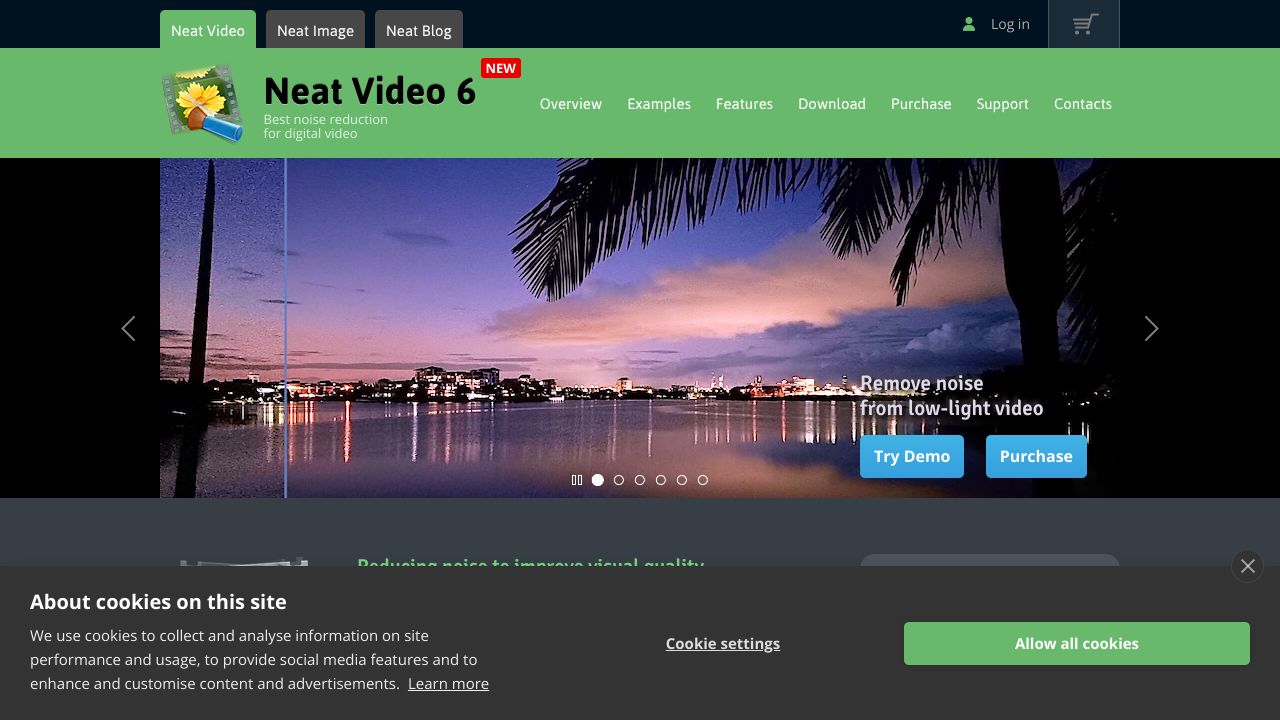
Noisy footage kills credibility. In my 15 years around post-production stacks, I’ve seen more projects saved (or sunk) by noise reduction than by any other “fix it in post” tool. Neat Video isn’t flashy, but it’s the quiet assassin inside pro timelines. As AI creeps into every corner of video, the real question isn’t “can you denoise,” it’s “can you remove noise without murdering detail, wrecking motion, or derailing the edit pipeline?”
Quick Comparison Table
| Feature | Neat Video | Topaz Video AI | DaVinci Resolve Studio |
|---|---|---|---|
| Pricing | $99.90 one-time (Pro) | ~$299 one-time (1 year of updates) | $295 one-time (Studio) |
| Ease of Use | Plugin inside NLE; profile-based workflow; moderate learning curve | Standalone app; one-click presets; easy for batch jobs | Built-in temporal/spatial NR; powerful but deep; GPU-savvy required |
| SaaS Features | None (perpetual desktop plugin; no SSO, seats, or cloud) | None (desktop app; model updates downloaded) | None (desktop; strong multi-user collab inside Resolve, not SaaS) |
| Integration Options | Native plugins for Premiere/After Effects/Resolve/FCP; batch via NLE | Round-trip via export/import; minimal plugin hooks | Native in-app NR; scripting/APIs for pipeline tooling |
Where Neat Video Wins
- ◆Detail preservation without plastic skin: On documentary and event footage shot at ISO 3200–12800, Neat Video’s adaptive filtering holds texture (skin pores, fabric weave) better than the default settings in Topaz Video AI, which can introduce temporal “wobble” or watercolor smearing under fast motion. Against DaVinci Resolve Studio, Neat often achieves similar or cleaner results with less temporal lag and fewer motion ghosts at conservative settings.
- ◆On-timeline efficiency across teams: As a plugin, Neat keeps you inside the NLE—no round-tripping, no media bloat, no relinking drama. That’s huge when producers ask for last‑minute swaps. Resolve’s built-in NR is also timeline-native, but Neat’s cross‑host footprint (Adobe, Resolve, FCP) makes mixed‑NLE teams more consistent across shops and freelancers.
- ◆Cost-to-quality ratio and hardware pragmatism: At $99.90, Neat delivers pro-grade denoising without demanding a monster GPU. Resolve’s temporal NR can be exceptional—but it shines on higher-end GPUs and Studio licenses. Topaz Video AI is powerful but compute-hungry and slower for long-form workflows, especially when denoise is one of several finishing steps.
Where Competitors Have an Edge
- ◆Upscaling and restoration suite depth: Topaz Video AI does more than denoise—upscaling, deinterlacing, stabilization, and deblurring make it a one-stop “rescue” app for archival or UGC pipelines. If your brief is “make this 720p smartphone clip look tolerable on a 4K timeline,” Topaz often wins. See third-party impressions: ProVideo Coalition’s deep dive on Video Enhance/Video AI tech: https://www.provideocoalition.com/review-topaz-video-enhance-ai/
- ◆Color pipeline integration and real-time control: DaVinci Resolve Studio ties NR into the node graph, qualifiers, tracking, and delivery—ideal for color houses where NR is part of a larger grade. With the right GPU, temporal NR is near‑real‑time and elegantly scoped. For perspective on performance tradeoffs in Resolve’s pipeline, Puget Systems’ testing is useful: https://www.pugetsystems.com/labs/articles/davinci-resolve-gpu-performance-roundup/
- ◆Team collaboration inside one ecosystem: Resolve’s multi-user timelines, review tools, and color-management stack reduce tool sprawl. If your studio lives in Resolve end-to-end, adding a separate denoise step (Topaz or Neat) may slow you down.
Best Use Cases for SaaS
- ◆Choose Neat Video when: You need detail-preserving denoise directly in Premiere/After Effects/Resolve/FCP, want predictable renders in long-form timelines, and care about TCO over subscriptions. Great for doc, wedding, event, and indie narrative workflows with variable lighting and tight turnarounds.
- ◆Choose Topaz Video AI when: You’re rescuing problematic footage at scale (UGC, archival, social), need upscaling/deinterlacing alongside denoise, and can batch overnight on beefy machines.
- ◆Choose DaVinci Resolve Studio when: You’re grading in Resolve with robust GPUs and want NR tightly integrated with tracking, qualifiers, and delivery—especially for commercial and episodic color pipelines.
The Verdict
If noise reduction is a frequent but focused task inside pro NLEs, Neat Video remains the smartest money I’ve seen—high fidelity, timeline-native, and hardware-friendly at a fraction of the cost. For “restore and enhance” rescues, Topaz Video AI is the Swiss Army knife. And if your shop is Resolve-first with strong GPUs, lean on DaVinci Resolve Studio to keep everything in one node graph. Translation: editors choose Neat; finishers pick Resolve; fix‑it labs go Topaz.